
Latest Version
Dongda Li
General
Linux
Free
tech.dongdongbh.mindwtr
Report a Problem
More About Mindwtr
A Locally Focused Approach to Daily Organization
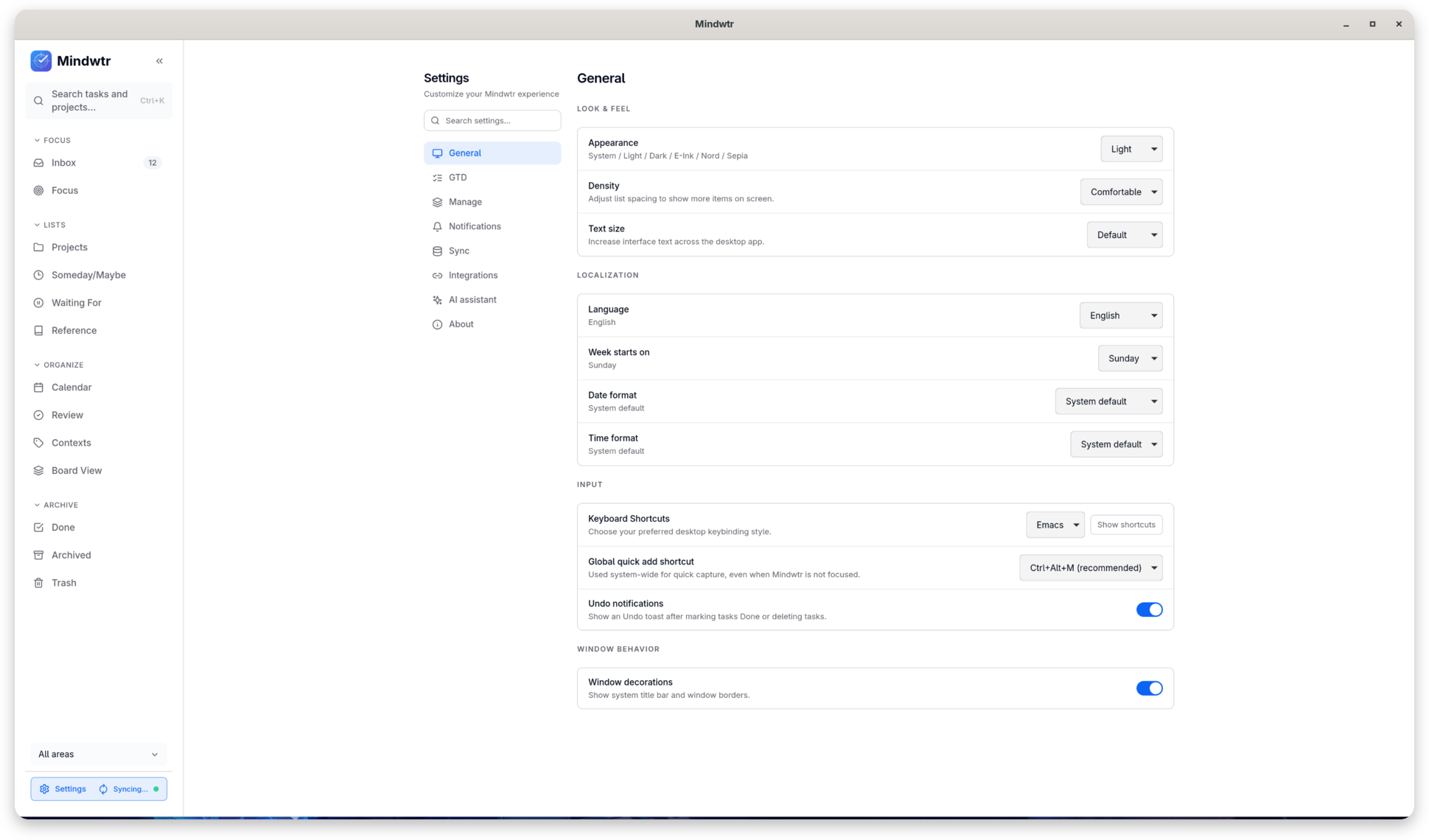
In an era dominated by subscription-based cloud services, the Mindwtr task planner offers a refreshing, privacy-first alternative for Linux users. Developed by Dongda Li, this utility is built specifically for individuals who demand complete ownership of their schedule and project data. By keeping your information stored directly on your machine rather than a third-party server, it eliminates the risks of data leaks and forced account registrations.
What You Can Actually Do with Mindwtr
This software is designed to adapt to your personal workflow rather than forcing you into a rigid template. Here is how you can use its features to streamline your daily routine:
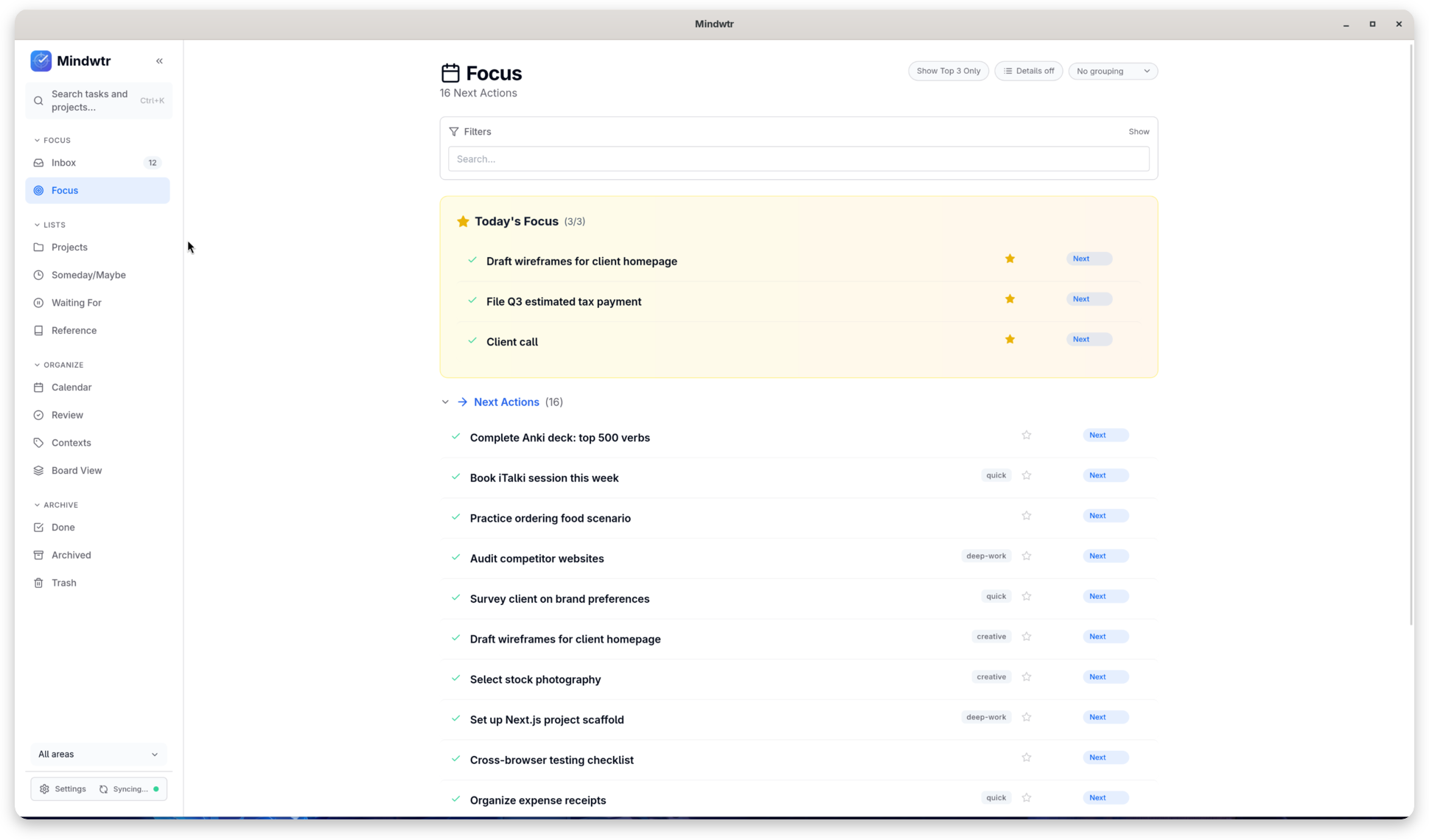
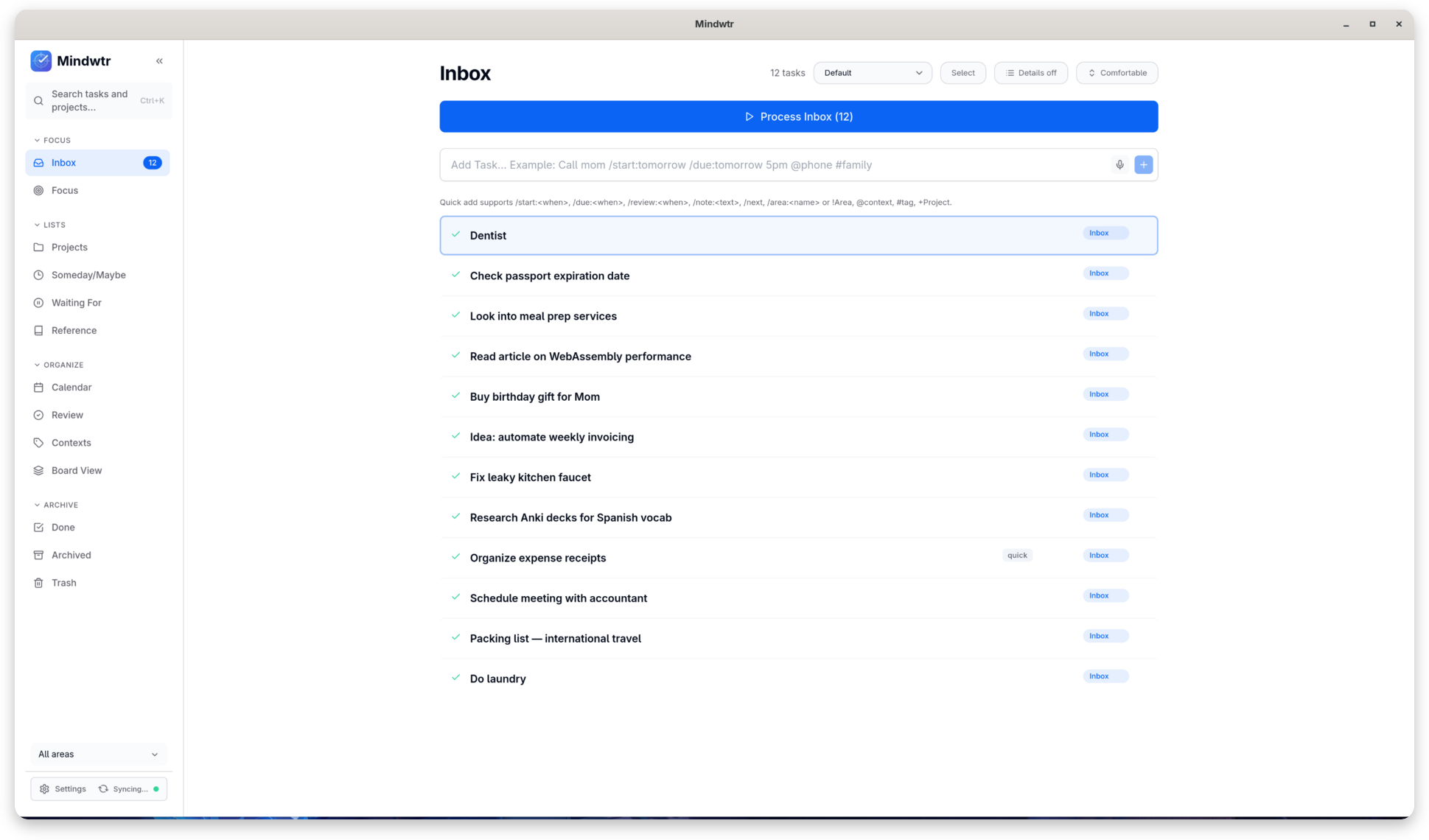
- Quick Idea Capture: Instantly log fleeting thoughts, inbox items, and urgent tasks before they slip away.
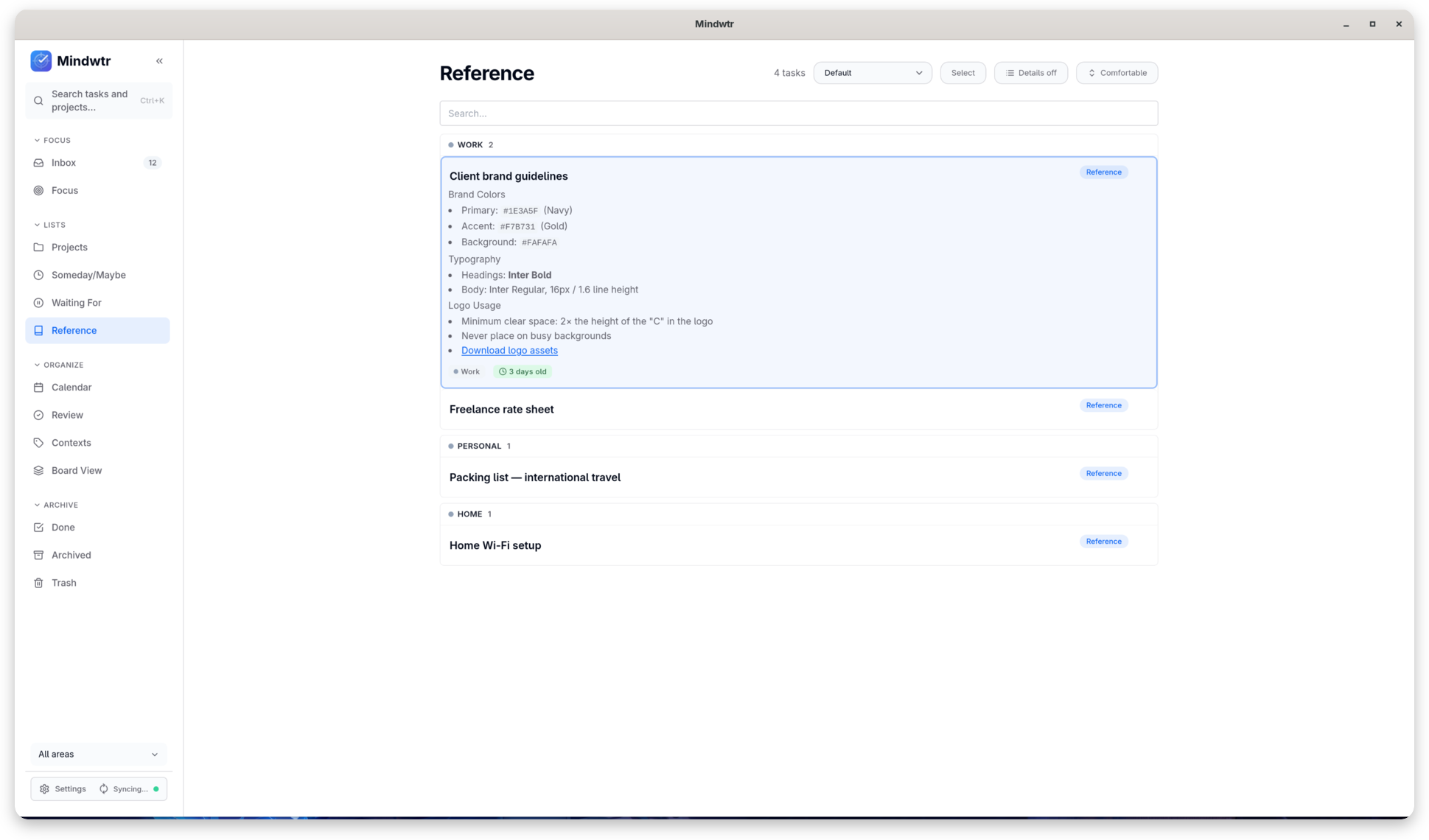
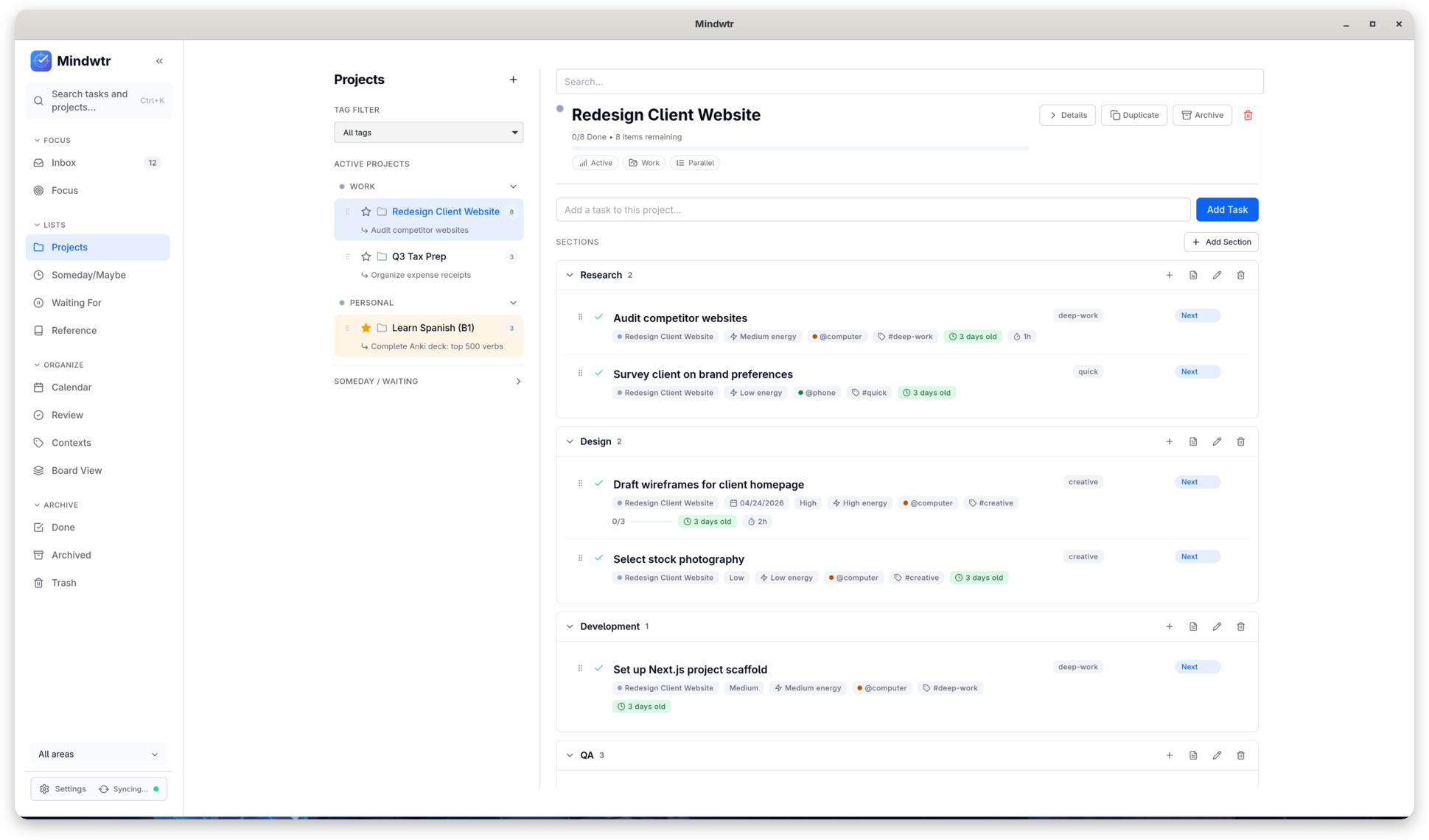
- Structured Project Mapping: Group your responsibilities into dedicated areas, sections, tags, and contexts to maintain a clear overview of your professional and personal life.
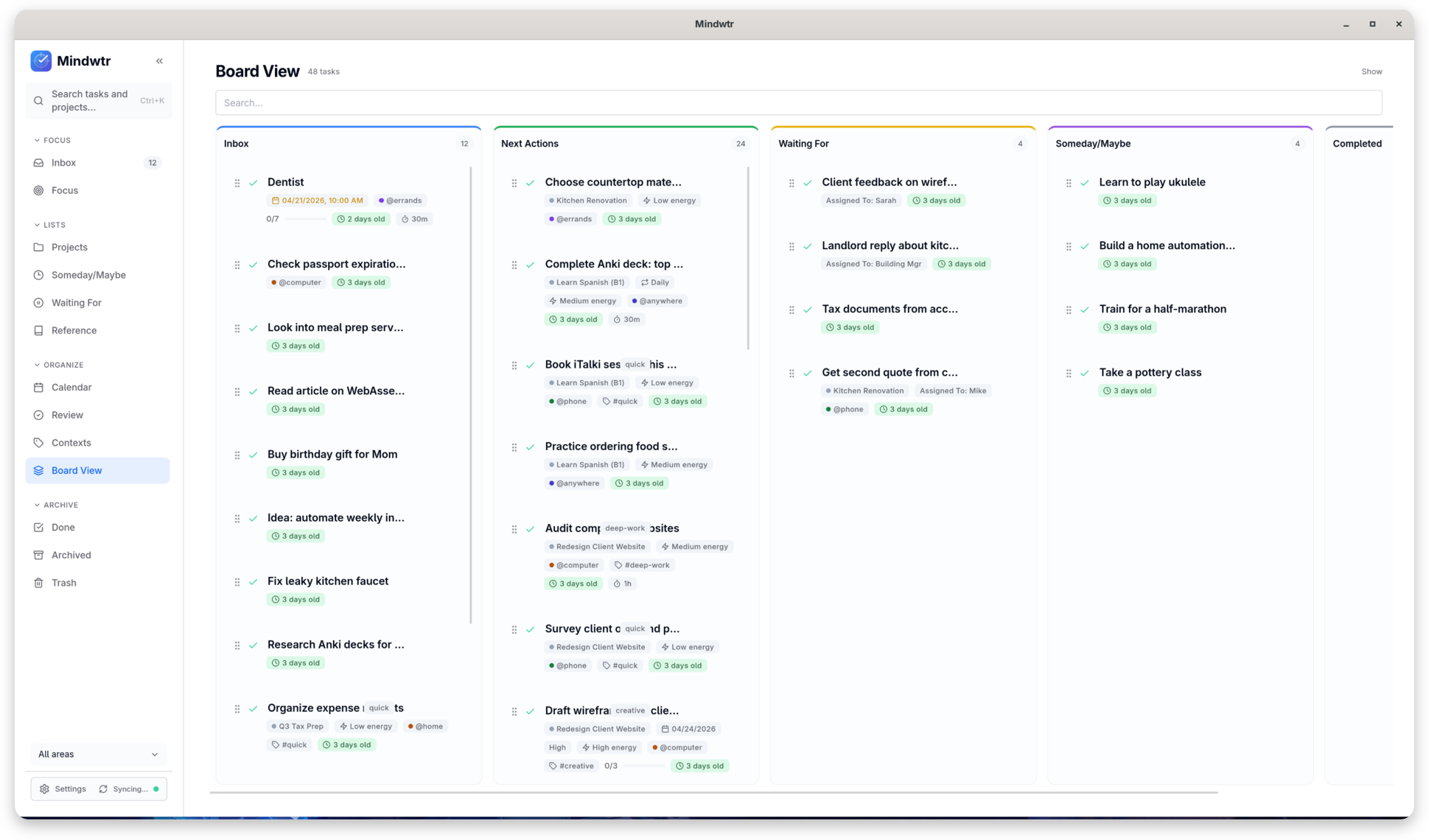
- Flexible Viewing Perspectives: Switch fluidly between structured lists, interactive boards, and calendar views depending on how you prefer to visualize your deadlines.
- Rich Contextual Tasks: Enhance individual items by adding detailed notes, custom reminders, and relevant file attachments.
Take Control of Your Syncing Methods
While the Mindwtr task planner is built with a local-first philosophy, it does not isolate your data to a single machine. If you need to access your schedules across multiple devices, you retain absolute control over the pipeline. You can configure synchronization using your own local folders, WebDAV servers, Dropbox, or a completely self-hosted cloud solution. This ensures you never have to compromise your privacy just to keep your devices aligned.
Who Is This Productivity Tool For?
This application is an exceptional fit for Linux enthusiasts, privacy advocates, and GTD (Getting Things Done) practitioners who want a clean interface without corporate telemetry. Because it requires no account creation, you can begin organizing your workflow immediately after setup.
To integrate this local-first productivity system into your workstation, head over to the official Flathub store page to explore the Mindwtr installation options for your distribution.
Rate the App
User Reviews









Popular Apps









Editor's Choice